 CHARM
Four hangers
A chain, beaded string, leather cord or matte band. Pick your colours and save them for another day.
A lifelike charm that hangs from the top of your screen. Make it yours with an emoji, artwork, colour and sound.
Choose a chain, beaded string, leather cord or matte band.
Pick one below and see it on your screen.
Or choose from the charm packs
Click any floating charm to hang it on yours.
Add a photo or artwork from your device and see it hanging on screen.
Or drop a picture here. PNG, JPG or WebP · up to 8 MB.
Try a ready-made design, then change the details.
PRO
Move your pointer left or right to turn it. Drag to spin, or click a charm to bring it forward.Swipe to spin, or tap a charm to bring it forward.
CHARM hangs above your desktop. Pull it, tuck it away, or leave it just where you like.
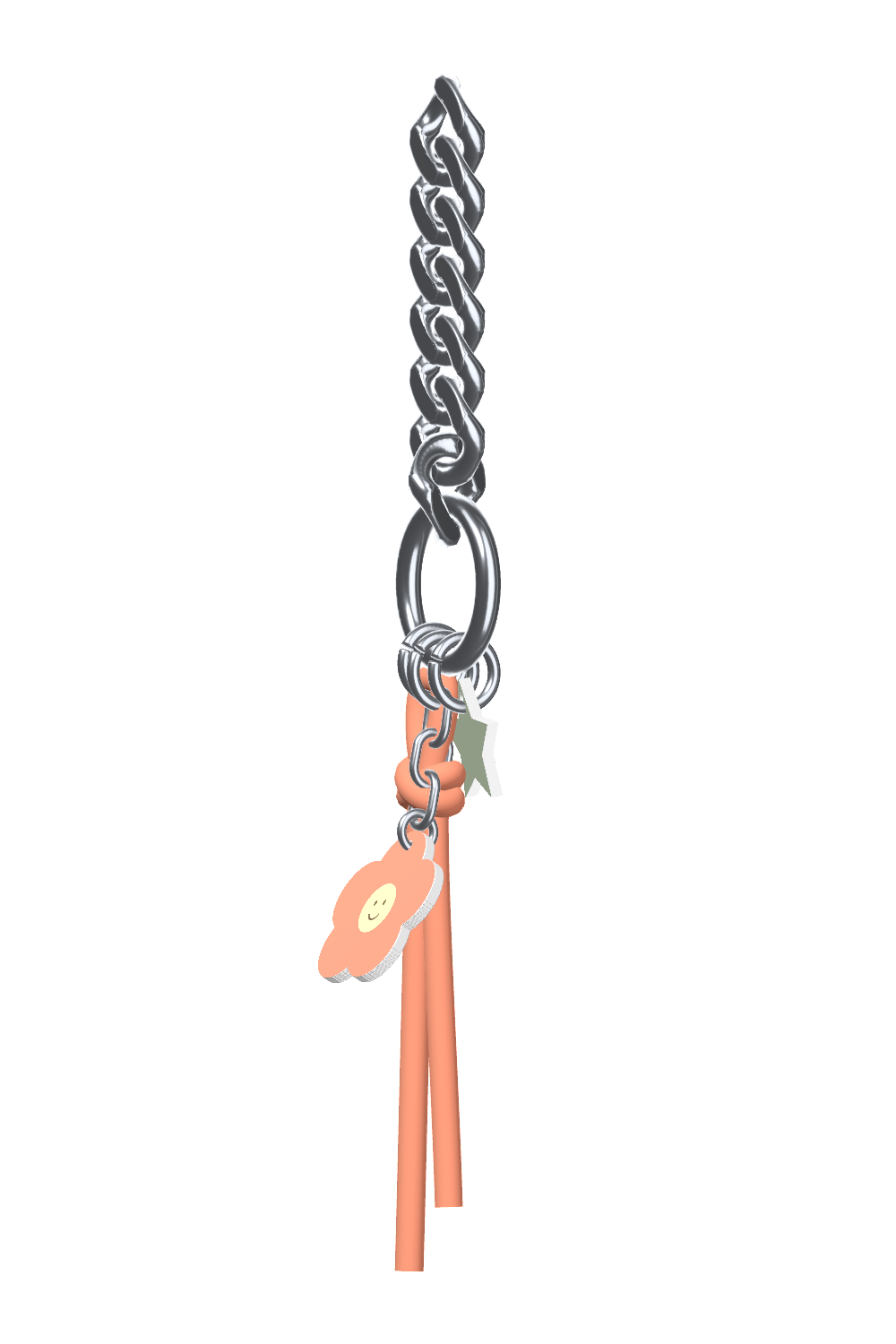
A little object with real weight, made from the things you love.
A chain, beaded string, leather cord or matte band. Pick your colours and save them for another day.
Your emoji, PNG, SVG or animated GIF. Cut it to shape, choose the hole, and let your favourite loop play.
Pull it and let go. Choose Smooth or Realistic motion, with little chimes and taps as charms meet.
Put a photo in one of six frames, or recolour your SVG artwork. Both are included in Basic and PRO.
Move your pointer to the top edge twice to hide it, and again to bring it back. Pull it sideways to move it anywhere along the top.
Hang up to three charms from rings, clasps, chains and cords. Double-click a charm to open a shortcut, or give it a shake to switch designs.
Choose the setup that feels right. One-time purchase, no subscription.
The interactive preview above shows CHARM PRO.
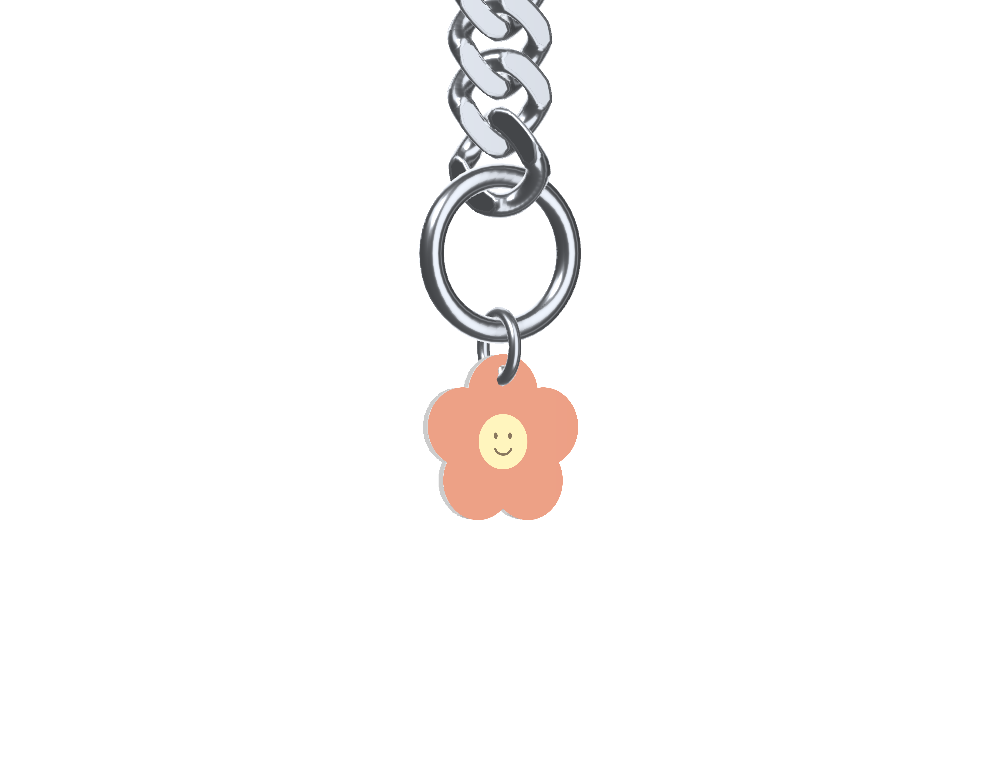
One custom desktop charm.
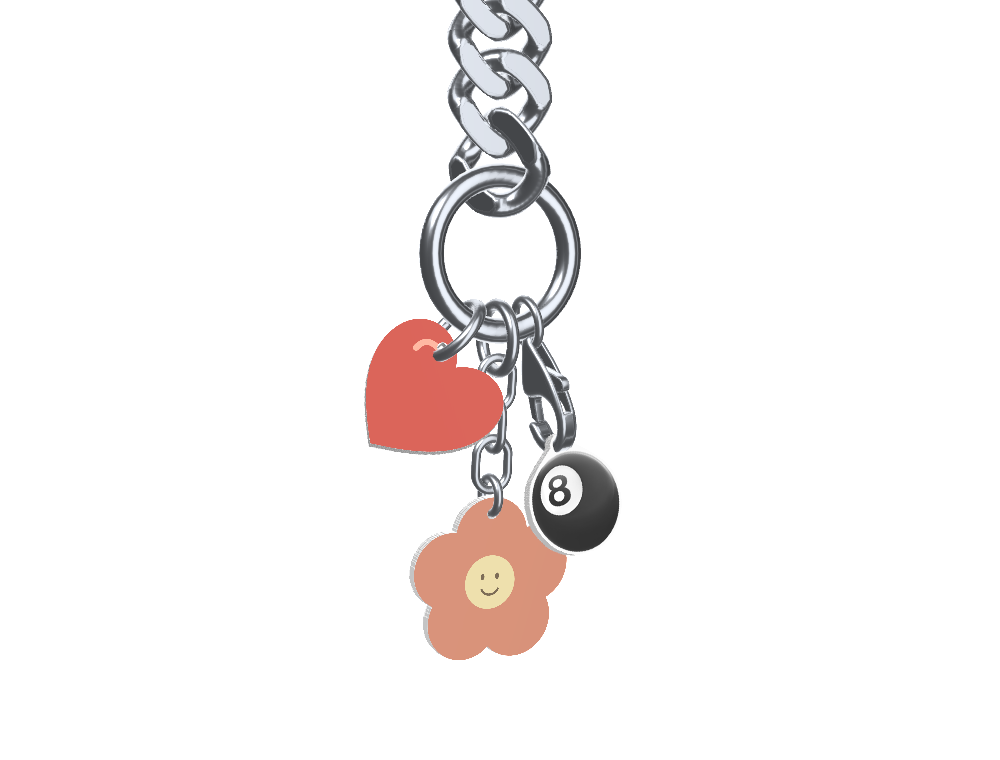
Up to three charms, saved your way.
Loading availability…
No. You pay once in the Microsoft Store and keep it. Updates install through the Store at no extra cost.
A Windows 10 (version 1903 or later) or Windows 11 PC with an x64 processor. A Mac version is coming soon.
It’s coming soon. Leave your email under Pricing and you’ll hear when it’s ready. If you bought CHARM on this website before, your purchase already includes the Mac and Windows installers in Your downloads.
Our website installer isn’t signed yet, so Microsoft Defender SmartScreen may say “Windows protected your PC”. CHARM is safe: click More info, then Run anyway. If your antivirus asks, allow CHARM. The Microsoft Store version installs without any warning. Step-by-step help
Both include animated GIFs, six photo frames, SVG recolouring and saved hanger colours. Basic hangs one charm. PRO adds up to three charms, mixed attachments, saved combinations, charm packs, double-click shortcuts and shake to switch designs.
Yes. Use an emoji, PNG, SVG or animated GIF from your computer. CHARM follows your artwork’s outline, and you choose where the hole goes. You can also put a photo in one of six frames.
Static charms stop drawing when they come to rest. Animated GIF charms keep playing their loop while they’re visible.
The Microsoft Store installs them for you, and new versions appear in What’s new. If you bought CHARM on this website, download them from Your downloads with your purchase email and payment ID.
Email contact@pranavshekhawat.in and you’ll hear back from the person who makes CHARM. Microsoft handles payments and refunds for Store purchases. For purchases made on this website, see the refund policy.